
Google Workspace Offboarding: How to Secure an Employee's Departure
 von Ikram Ayoub
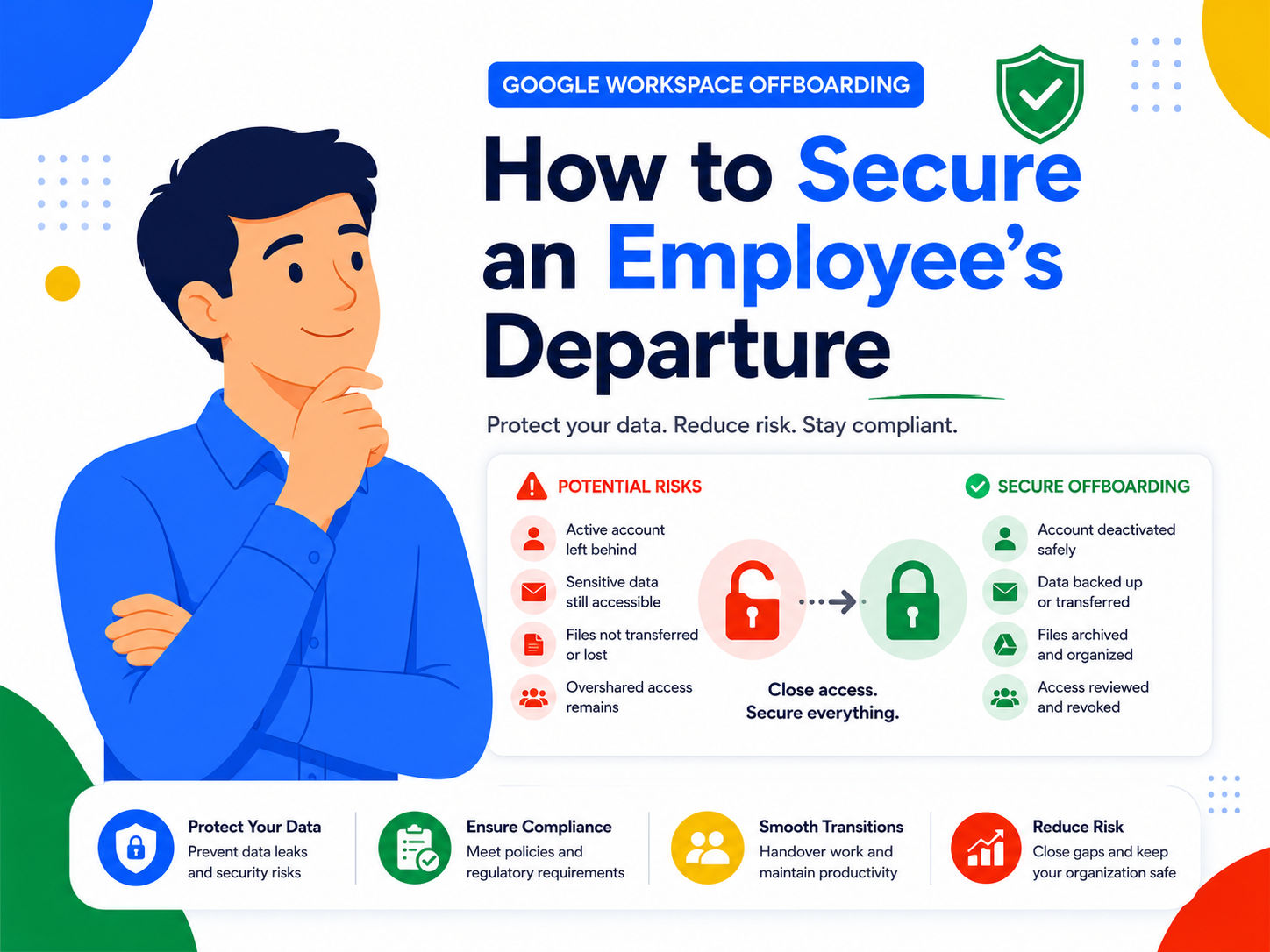
an employee's departure is one of the riskiest moments for a company's data security. Without a clear procedure, access stays active, important files disappear along with the account, and ownership transfers get overlooked. This guide walks through a complete Google Workspace offboarding checklist, built for a Workspace setup that's already in place.
Google Workspace Offboarding: How to Secure an Employee's Departure
Why offboarding is a security step, not just an HR task
When an employee leaves, their Google Workspace account doesn't just hold their inbox — it may hold sole ownership of shared documents, access to third-party tools connected via Google, and sometimes admin rights over certain groups or Chat Spaces.
An account that's simply deactivated, without a transfer process, can lead to:
- lost access to documents the employee solely owned,
- active sessions on third-party apps connected to their Google account,
- important mailboxes (clients, vendors) becoming unreachable,
- a security risk if credentials remain valid after departure.
Google Workspace offboarding checklist
1. Transfer ownership of files and shared drives Before suspending an account, identify the documents the employee owns in My Drive (files in a shared drive already belong to the company, not the individual). The Admin Console lets you bulk-transfer file ownership to another account, with no loss of content or version history.
2. Back up or redirect email Depending on the role, it may be worth keeping read-only access to the mailbox during a transition period, or setting up an automatic forward to a colleague or team alias — for example, if the employee handled direct client communication.
3. Revoke third-party app access Many business applications (CRM, invoicing tools, project platforms) authenticate via "Sign in with Google." The Admin Console lets you view the list of third-party apps connected to an account and revoke access with one click.
4. Remove admin and group rights A former administrator or moderator of a Google group or Chat Space keeps those rights until they're explicitly removed. Check assigned roles in the Admin Console before suspending the account.
5. Suspend before deleting Suspending an account (rather than deleting it immediately) preserves all data for a defined period, giving you time to confirm nothing important was missed. Permanent deletion should be a deliberate step, taken only after a full review.
6. Document the process Keeping a record of each step taken — ownership transfer, access revocation, suspension date — protects the company in case of a dispute and makes future departures easier to handle.
Common mistakes when an employee leaves
- Deleting the account immediately, without checking file ownership or connected third-party access.
- Forgetting Chat Space and group access, which stays active after the main account is suspended if roles aren't removed manually.
- Not notifying clients or vendors who were emailing the departed employee's address directly.
- Handling each departure case by case, with no standardized checklist, which increases the odds of something being missed each time.
Frequently asked questions
How long should a suspended account be kept before deletion? This depends on your internal policy and any data retention obligations specific to your industry. A window of 30 to 90 days is common, allowing for a full review before permanent deletion.
Does the employee lose access immediately once the account is suspended? Yes. Suspension instantly blocks sign-in to the account and all associated Google services, while keeping the data intact for the company.
What happens to files in shared drives? Nothing changes: files in a shared drive belong to the company, not the individual user. They remain accessible to the team regardless of the employee's departure — one of the main advantages of shared drives covered in our Google Workspace setup guide.
Can AB Media Team handle offboarding on our behalf? No, this isn't a service we currently offer. That said, this checklist can still be applied in-house by your team or your Workspace administrator.
Secure every departure with AB Media Team
Poorly handled offboarding exposes a company to avoidable data loss and security risk. A clear procedure, applied to every departure, protects both your data and your organization.
Want to get more out of Workspace day to day as well? Check out our guide on hidden Google Workspace features and best practices.